
Anúncios
Streaming has never been easier, and the Amazon Fire TV app puts thousands of movies, shows, and live channels right in your pocket or living room. 📺
Whether you own a Fire TV Stick or simply want to control your streaming experience from your phone, the Amazon Fire TV app offers a surprisingly flexible toolkit. It works as a remote, a voice search assistant, and a content hub all in one.
This guide breaks down exactly how the app functions, what features actually matter, and how to get the most out of it without wasting time digging through menus.
What the Amazon Fire TV App Actually Does#
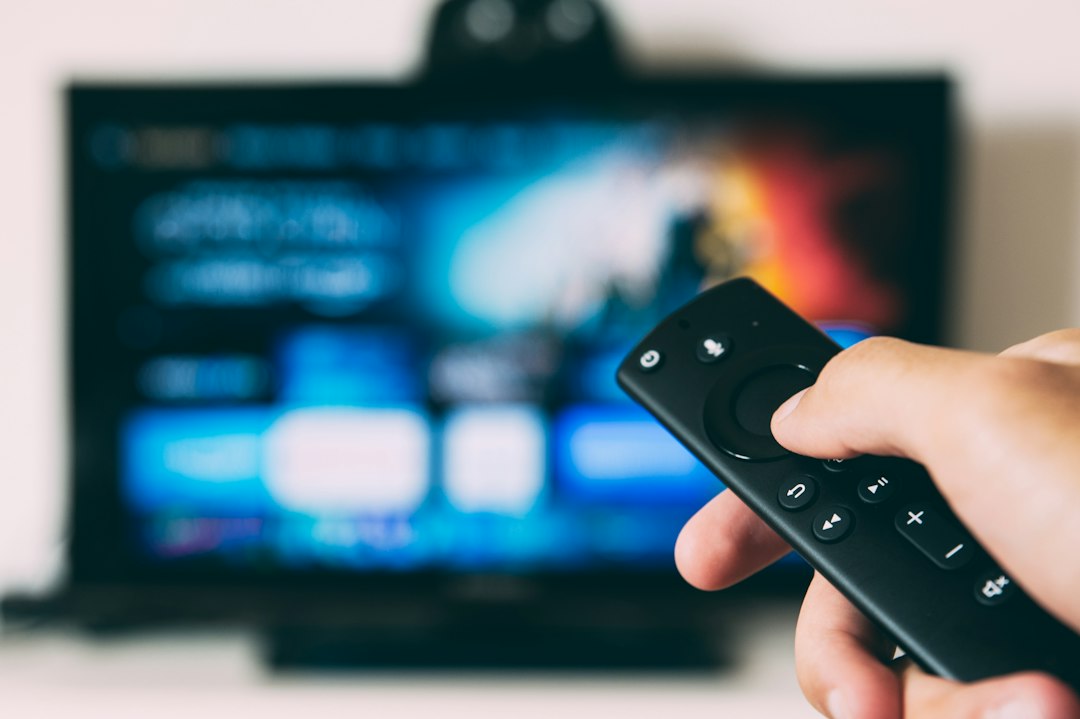
The Amazon Fire TV app connects your smartphone or tablet to your Fire TV device over the same Wi-Fi network. Once paired, it replaces the physical remote almost entirely.


You get a touchpad for navigation, a built-in keyboard for typing passwords or search terms, and voice control powered by Alexa. For anyone who’s ever tried typing a show title letter by letter with directional arrows, this alone is a massive upgrade.
- Voice search: Ask for a movie, actor, or genre instead of typing
- Touch navigation: Swipe-based control similar to a trackpad
- Text input: Full keyboard for logins and search queries
- Device control: Power, volume, and mute without extra remotes
Compatible Devices and Requirements#
The app supports Fire TV Stick (all generations), Fire TV Cube, and Fire TV Edition smart TVs. It runs on both Android and iOS, with minimum requirements of Android 8.0 or iOS 14 for stable performance.
Your phone and Fire TV device need to share the same wireless network. Cross-network pairing isn’t supported, which trips up some users with mesh router setups that create separate bands.
Setting Up the App Step by Step#
Installation takes under five minutes if your network is cooperating. Here’s the practical sequence:
- Download the app from Google Play or the App Store
- Open the app and sign in with your Amazon account credentials
- Allow the app to search for nearby Fire TV devices
- Select your device from the list and confirm pairing
- Grant microphone permissions if you want voice search to work
If the app doesn’t detect your Fire TV, restart both the device and your router. This solves connection issues in most cases reported by users on Amazon’s support forums.
Common Pairing Problems and Fixes#
Some users report the app freezing during the search step. This usually happens when the Fire TV firmware is outdated. Check for system updates directly on the Fire TV under Settings > My Fire TV > About.
Another frequent issue involves VPN apps running on the phone, which can block local network discovery. Disabling the VPN temporarily during setup usually resolves it.
Features That Go Beyond a Basic Remote#
Many people install the app just to replace a lost remote, but it does considerably more than that. The content discovery tools are genuinely useful for narrowing down what to watch.
Inside the app, you can browse a simplified version of the Fire TV home screen, see personalized recommendations, and even launch apps like Netflix, Disney+, or Prime Video directly from your phone screen.
| Feature | What It Does | Practical Benefit |
|---|---|---|
| Alexa Voice Control | Search by voice command | Faster than typing, especially for long titles |
| Multi-device Switching | Control multiple Fire TVs from one app | Useful in homes with devices in different rooms |
| Keyboard Mode | Type directly instead of using arrow keys | Saves time logging into streaming accounts |
| App Launcher | Open streaming apps remotely | Skip scrolling through the TV home screen |
Using Alexa Without a Separate Echo Device#
You don’t need an Echo speaker to use voice commands. The phone’s microphone handles this through the app itself. Tap the microphone icon and ask things like “play comedy movies from 2023” or “open YouTube.”
This works surprisingly well even with regional accents, since Amazon’s voice recognition engine has been trained extensively since Alexa’s original 2014 launch.
Battery and Performance Considerations 🔋#
Keeping the app running in the background does consume some battery, particularly because of the persistent Bluetooth and Wi-Fi connection needed for remote control functions.
On most modern smartphones, this impact is minor — usually under 3% additional battery drain per hour of active use, based on general app behavior patterns for similar remote-control apps.

Amazon Fire TV
Installs50M+
Size105.2MB
PlatformAndroid/iOS
PriceFree
Information about size, installs, and rating may change as the app is updated in the official stores.
Tips to Reduce Lag During Streaming Control#
If you notice delayed response when pressing buttons, try these adjustments:
- Close other apps running in the background on your phone
- Move your router closer to the Fire TV device, or vice versa
- Switch to the 5GHz Wi-Fi band if your router supports dual-band connections
- Restart the app periodically instead of leaving it open for days
Amazon Fire TV App vs Physical Remote: Which Wins?#
The physical remote still has advantages, mainly reliability and no dependency on phone battery life. But the app wins in flexibility, especially for households where remotes frequently go missing between couch cushions.
- Choose the app when: you need text input, voice search, or multi-room control
- Choose the remote when: you want zero setup and guaranteed connection stability
- Use both when: you want backup control options for different family members
Security and Privacy Notes#
The app requires your Amazon account login, which means it has access to your purchase history and viewing preferences, similar to any Amazon service. Voice data processed through Alexa follows the same privacy policies as Echo devices.
Users concerned about microphone access can disable voice permissions anytime through the phone’s system settings without losing basic remote functionality.
Getting More Value From Fire TV’s Ecosystem#
Beyond the app itself, pairing it with an Amazon Prime subscription unlocks additional content libraries, X-Ray trivia features during playback, and parental control options that are easier to manage from a phone screen than a TV remote.
Families with kids often find the app’s parental lock settings more intuitive to navigate using touch and keyboard input rather than directional arrows.
For anyone juggling multiple streaming services, the app’s universal search feature searches across Netflix, Prime Video, and other installed apps simultaneously, saving the hassle of checking each platform separately.
The Amazon Fire TV app isn’t just a convenience tool — it’s become a practical extension of how people manage their home entertainment setup, especially as households add more connected devices every year.

Keep reading
You might also like

Best Plant Identification and Care Apps for Your Garden
Ever wondered what plant is sitting on your windowsill or blooming in your backyard? A plant identification app can tell you instantly,…

Best Plant Identification and Care App for Home Gardeners
Plant identification apps have transformed how people care for greenery, turning guesswork into confident, science-backed decisions for every leaf and bloom. 🌿…